
RePen
A free Windows screen annotation tool for classes, presentations, tutorials, and live explainers.
- Draw and highlight over any Windows application.
- Use focus tools, boards, saved sessions, and PDF export.

I’m Rehman Ahmad — a head teacher at a government primary school in Yazman, Punjab, and a full-stack developer. Everything on this site is free, practical, and built to last.
Since 2018, I’ve led a government primary school in rural Punjab — managing classes, exams, and records with whatever tools were at hand. When the tools didn’t exist, I built them: first for my own school, then for schools across the province, then for anyone on the internet looking for software they can trust.
That’s what this site is: my workshop. Verified downloads, school administration tools, free textbooks, and practical guides — each one solving a problem I’ve personally run into.
Every tool is tested against real school constraints: slow phones, patchy internet, shared logins, low ink.
From first commit to deployed, documented, and maintained. Nothing half-done, nothing abandoned.
A teacher’s habit: guides, docs, and tutorials written in plain words anyone can follow.
Frontend, backend, Android apps, SEO, deployment — one person, end to end.
Not demos, not mockups — live products with real users.
370+ verified Windows & Android apps. Every download is hash-checked and signature-verified before it ships.
Visit siteResult cards, registers, and letter pads for government schools — running on real school phones today.
Open projectPCTB textbooks with a continuous-scroll reader, chapter quizzes, and teacher tips — free for every child.
Open project16 free PDF tools that run entirely in your browser — merge, split, convert, sign. No uploads, ever.
Open projectSoftware, tools, textbooks, worksheets, and guides — pick whatever you need today.
Download practical desktop applications built for focused work on Windows.
Explore softwareUse focused browser-based utilities without a download or account.
Open toolsRead Punjab course books online with chapter quizzes and teacher tips.
Open libraryFind printable learning resources for children, students, and teachers.
Browse worksheetsFollow step-by-step guides for software, productivity, and learning workflows.
Read tutorialsNeed a web app, an Android app, or help with SEO? I take on select projects.
Discover RePen, a free screen annotation tool for Windows that helps teachers and presenters draw, highlight, and explain over any application.
A free Windows screen annotation tool for classes, presentations, tutorials, and live explainers.
Small, practical browser tools that solve one focused task. They are separate from downloadable software and keep your work on this device when the tool supports local processing.
The exact theme running my Job Enabler blog — now free for your own Blogger job board. Built for jobs from the ground up, not adapted from a magazine theme.
[lastdate] shortcode shows “days left”, “last date today”, or an expired banner automatically.[apply] and [official] render the official button pair.Version 1.7.0 · Blogger XML · Free for use on your own blog — the only condition is that the footer credit link stays in place.
Download theme (XML)Read practical programming guides, computer science tutorials, educational worksheets, and software development articles by Rehman Ahmad.
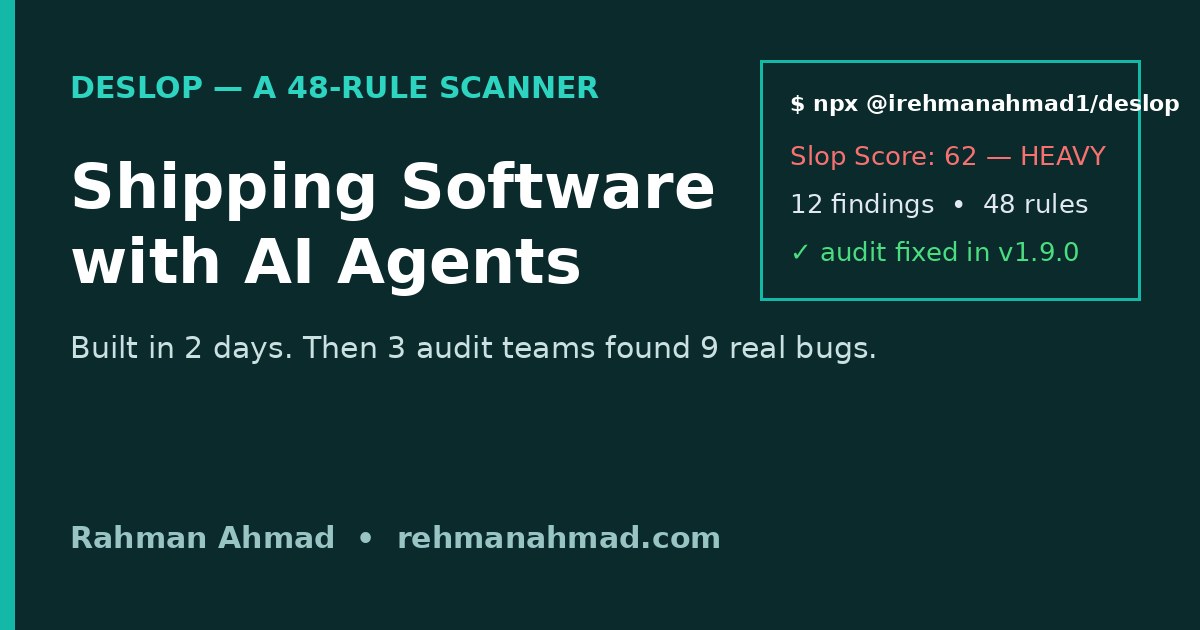
Shipping software with AI agents as a solo dev: I built a 48-rule scanner in 2 days, then 3 audit teams found 9 real bugs. The checklist I use now.
Free textbooks on screen, LibreOffice worksheets, one spreadsheet and WhatsApp notices — how I run a paperless classroom on zero budget.
A free Grade 1 starter pack from a head teacher's classroom: eight gentle pages of letters, numbers, shapes and matching games for five- and six-year-olds, built for confidence first and skills second.
Free printable is, am, are worksheets for Grades 2 to 4: a simple rule chart, fill-in-the-blanks, choosing and sentence-fixing exercises, and a full answer key — plus the oral-first way I teach this tiny verb trio in my own classroom.
FAQs
Learn more about Rehman Ahmad, the software, and the educational resources provided on this platform.
Rehman Ahmad is a software developer and educator from Bahawalpur, Pakistan, known for creating educational resources, programming tutorials, and productivity software.
He builds practical software tools, including RePen, a free Windows screen annotation and presentation overlay for teachers, demos, and tutorials.
You can download RePen directly from the Software section on this website or from the official GitHub repository.
Yes, Rehman Ahmad provides free printable educational worksheets, including alphabet tracing and preschool handwriting practice, available in the Educational Resources section.
I take on select client work — web apps, Android apps, and SEO. Tell me what you’re building, and let’s see if we’re a fit.
Get in touch